
Comics Primer #1 Software
Quicky Guide To Doing Comics

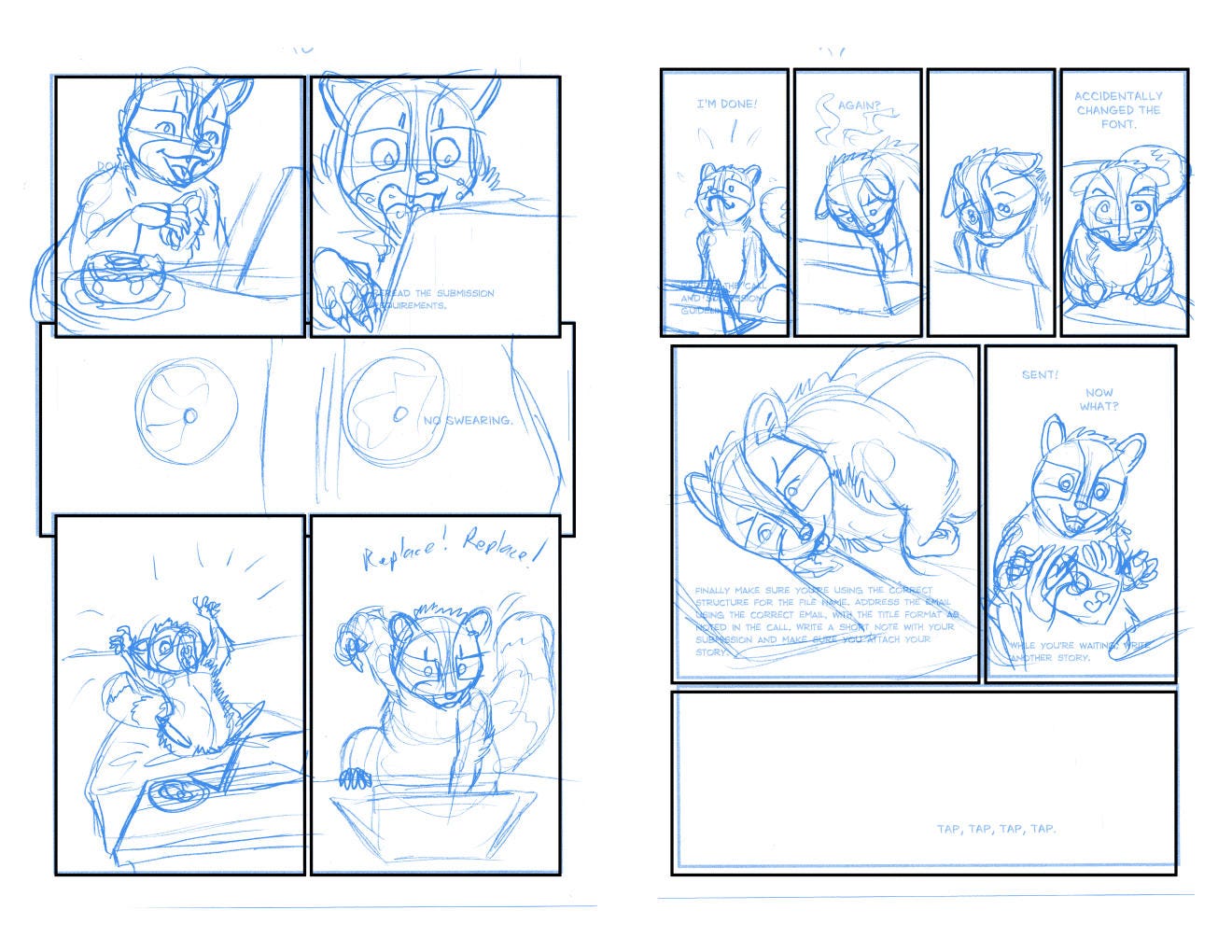
Want to do comics? With today’s technology, it’s easier than you might think.
I’m going to break this up into small sections. Pick your route. Take one thing at a time, beginning with your goals.
Medibang is FREE software with templates, backgrounds, etc. It’s available on your desktop or mobile devices. https://medibangpaint.com/en/
And I just discovered that Medibang is no longer free, BUT has another app called Jump Paint, which is specialized for manga/comics! https://medibangpaint.com/en/jumppaint/ However, it’s not as user friendly as I recall it used to be. There’s a reason that I use Clip Studio Paint and not Medibang.
Clip Studio Paint is THE standard, but costs money. Most people only need Pro. It goes on sale frequently. Tons of templates, patterns, etc stuff.
https://www.clipstudio.net/en/
I’ve been using Clip Studio for, wow...over a decade. They’ve gone the route of evil, trying to push subscriptions, but as I said, all you need is Pro. I have EX because I’m a spoiled webcomic artist.
In all honesty, you can use whatever art program you want. These two just have more tools for frames, backgrounds, moods, and effects that are standard to comic making. I recommend Clip Studio. They can both be overwhelming, but they do have tons of tutorials which will teach you how to do anything you want. There’s always a learning curve, but a good program should follow the same basic layout and functions as its competitors.
And if you have to, you can simply draw a comic on paper, take a photo, and post it as is. It’s not as polished, but it can work.
If you have questions, feel free to ask. Next post will be on Dimensions, and then Drawing Tools, Traditional and Digital.
TC Ross